In short
Choosing between a handheld 3D scanner and mobile 3D scanning means choosing between dedicated hardware and a software solution running on a smartphone. A handheld scanner relies on a proprietary physical sensor that’s bulky and costly to upgrade. Mobile 3D scanning, like MyFit Solutions’ approach, relies on photogrammetry via the smartphone’s rear camera: no extra hardware, continuous software updates, and immediate deployment across an entire network.
Handheld 3D scanner vs mobile 3D scanning: what’s the hardware difference?
Handheld 3D scanners: the constraints of physical hardware
A handheld 3D scanner is designed as a dedicated measurement tool. It relies on a proprietary physical sensor, whose performance is locked in by the hardware at the time of purchase.
Its use comes with real friction: the bulk of the device, and often the need for a powerful computer nearby to process the captured data.
Mobile 3D scanning: software agility
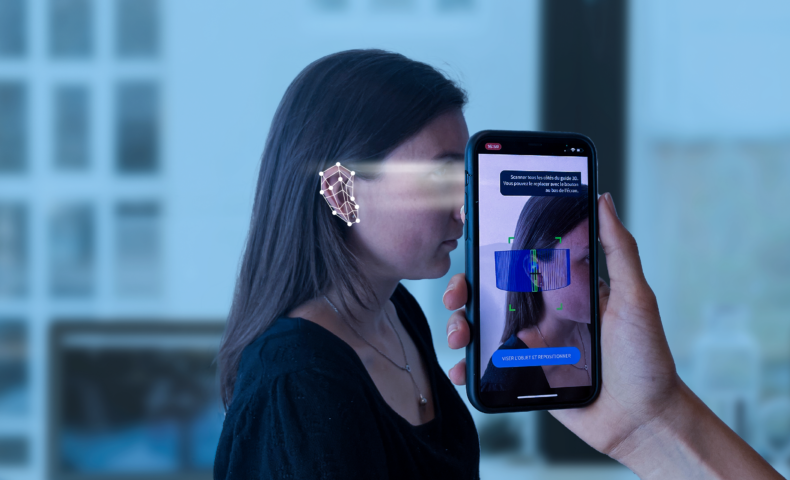
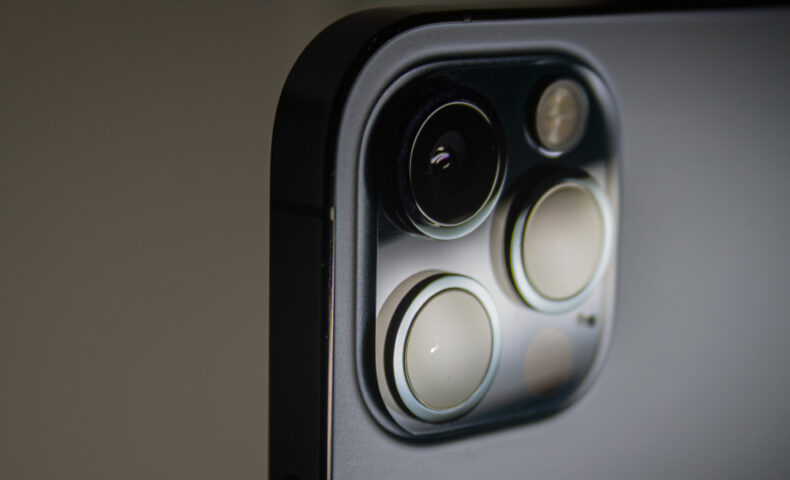
Mobile 3D scanning relies on a software (SaaS) solution that uses the rear camera of a smartphone already in the hands of teams and patients. Most of the 3D modeling technology lives in the software: the solution improves through updates, with no hardware changes needed.
Some apps rely on the LiDAR sensor. Its resolution, however, remains insufficient to capture the fine geometry of a human limb. MyFit Solutions’ technology uses mobile photogrammetry via the rear camera, whose optical resolution delivers a data density better suited to manufacturing custom devices.
Handheld 3D scanner vs mobile 3D scanning: how do they compare?
| Criteria | Handheld 3D scanner | Mobile 3D scanning |
| Required hardware | Dedicated sensor, often a paired computer | Smartphone already owned by the team |
| Upgradability | Locked in by the hardware | Continuous, via software updates |
| Bulk | Dedicated device to carry | None, fits in a pocket |
| Multi-site deployment | Requires buying multiple units | Immediate, via simple software access |
| Maintenance | Dependent on technical service | Limited, remote updates |
| Output formats | Varies by manufacturer | .stl / .obj, integrable into CAD |
Is mobile 3D scanning accurate enough for medical use?
Algorithms that reconstruct a faithful volume
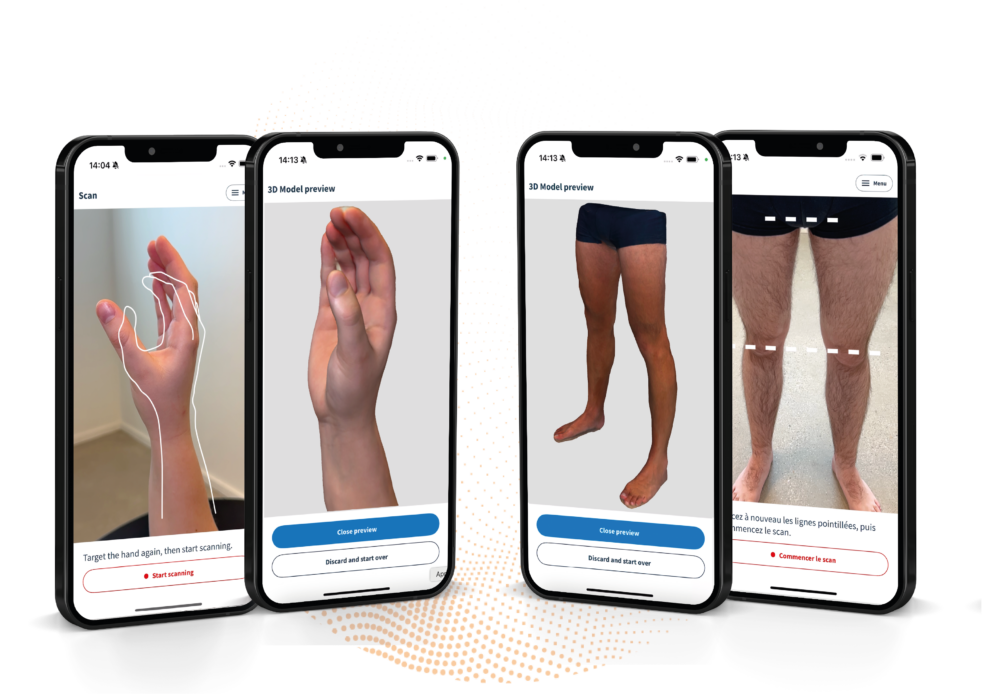
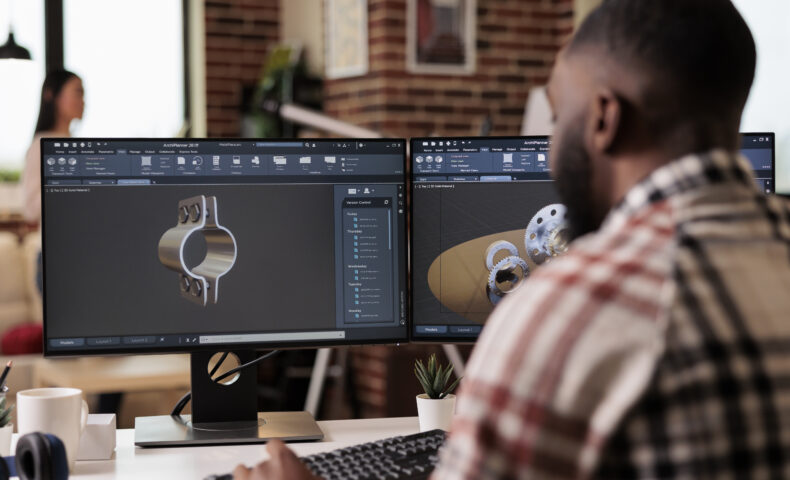
Using mobile photogrammetry combined with advanced processing algorithms, MyFit Solutions reconstructs a volume that’s faithful and to scale. The result is a photorealistic 3D mesh, ready for CAD software.
A ready-to-use file, with no manual processing
handheld scanner often captures excess data that needs manual cleanup. The MyFit mobile 3D scanning experience is automated: it delivers a clean STL or OBJ file directly, ready for production — saving time for technicians, who no longer need to reprocess the mesh manually.
“Now that our orthopedists tried it, they will never go back to 3D scanning with additional hardware!” – Eric Moreau, 03D President
Is mobile 3D scanning usable in real-world conditions?
Total mobility: “Scan different, anywhere, by anyone”
Scanning a patient in a hospital bed is a real challenge with a handheld 3D scanner. With mobile 3D scanning, it’s simpler: whether it’s a limb scan or a full-body scan for compression garments, capture stays possible regardless of the environment.
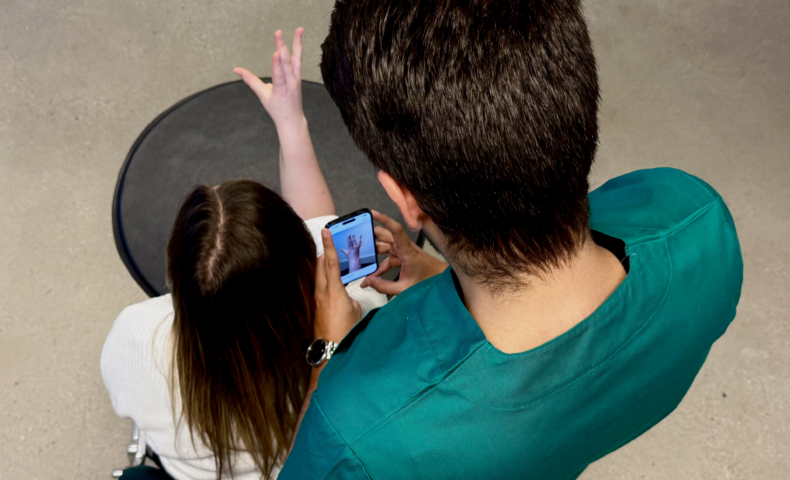
At MyFit Solutions, the app guides the user step by step to make every capture easier. The goal: letting a non-technical team member perform a usable scan from their very first attempt.
Why does mobile scanning’s flexibility win out over dedicated hardware?
Removing hardware constraints
Beyond the technical aspect, a handheld scanner introduces real inertia: dependency on maintenance, logistical complexity, and a higher risk of a failed scan without built-in guidance.
Scalability: democratizing scanning across an entire network
With mobile 3D scanning, deployment happens at the scale of an entire network through simple software access — a lever for industrializing custom device production without multiplying hardware purchases.
A measurable ROI
Switching to mobile 3D scanning can help reduce manual processing steps, as well as remakes linked to measurement errors:
+50% operational efficiency: fewer manual steps and faster turnaround.
-50% return rate: fewer remakes thanks to reduced measurement errors.
It depends on the sensor used. MyFit mobile photogrammetry offers a resolution suited to manufacturing custom devices, with no dedicated hardware required.
MyFit mobile photogrammetry works with the standard rear camera on an iOS- or Android-compatible smartphone, with no additional sensor.
3D models are delivered in .stl or .obj format, directly usable in orthotic CAD software.
No, the app guides the user through every step, allowing a non-technical team member to perform a usable scan.