In short
The LiDAR sensor has equipped certain iPhone and iPad Pro models since 2020 — meaning it stays limited to a small number of Apple devices. It measures distance and reconstructs an environment in 3D using an infrared beam. Reliable for scanning large spaces or bulky objects, LiDAR remains limited for fine morphological capture: low resolution, a one-meter minimum distance, and insufficient precision for custom-fit medical devices. For professional 3D scanning aimed at O&P (orthotics and prosthetics), or medical compression, other mobile technologies — such as mobile photogrammetry — provide more usable data, with no extra equipment, on iOS and Android, and suited to capturing the human body.
What is a LiDAR sensor?
LiDAR stands for Light Detection and Ranging. It’s a ranging technology that uses a laser beam to measure the distance between a sensor and its surroundings.
The principle relies on time of flight (ToF): the sensor emits an infrared signal, which bounces off the scanned objects and returns to the sensor. The elapsed time is used to calculate distance.
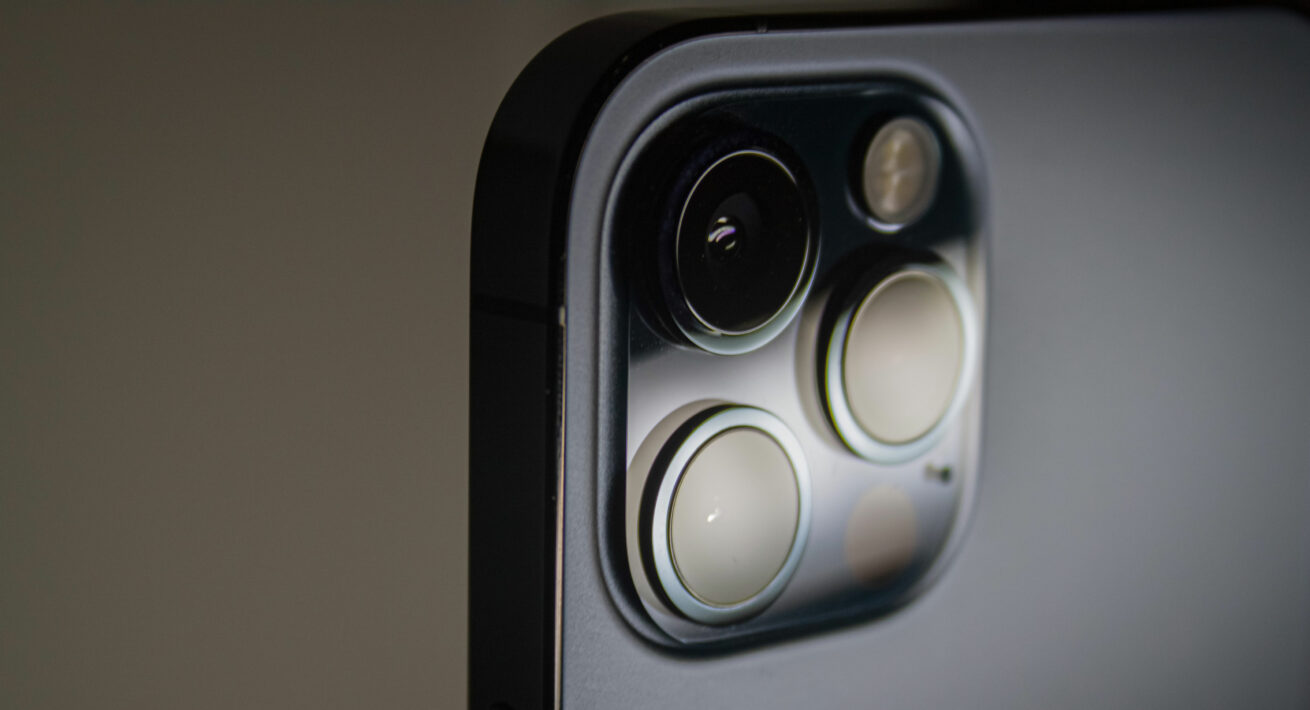
This technology has equipped iPhone Pro and iPad Pro models since 2020. It’s also widely used in the automotive industry (autonomous vehicles), robotics, and large-scale 3D mapping.
How does LiDAR work on iPhone and iPad?
On Apple devices, the LiDAR sensor works alongside the standard cameras. It enables:
- fast depth detection of a scene;
- improved stability for augmented reality applications;
- mapping a space or an object in just a few seconds.
Which apps can be used to scan with LiDAR?
To create a 3D scan with an iPhone’s LiDAR sensor, a compatible third-party app is required:
- Polycam
- Scaniverse
- 3D Scanner
- App Meshroom (open-source software)
The operator moves around the object or room being scanned, while the app reconstructs a 3D model from the captured point cloud.
This makes LiDAR a useful tool for quickly digitizing spaces, but it raises questions as soon as the goal is to capture a body part with a high level of detail — a foot, a hand, or a torso.
Is LiDAR accurate enough for professional 3D scanning?
What are the technical limitations of LiDAR?
Several technical constraints limit the use of LiDAR for professional applications that require reliable digital measurements:
- Limited resolution: the LiDAR sensor on iPhone Pro models captures around 256 x 192 points, a resolution well below that of a stereoscopic sensor like TrueDepth.
- One-meter minimum distance: Apple enforces a minimum scanning distance of one meter, which makes it harder to capture small anatomical areas at close range.
- Good resistance to environmental noise: LiDAR performs well in ambient light and fog, an advantage outdoors, but not particularly relevant in a clinical setting or consultation room.
- Unreliable fine reconstruction: the resulting point cloud remains approximate on complex surfaces or small volumes, such as a foot or a hand.
In practice, LiDAR excels at capturing large spaces (a room, a vehicle, a bulky object) but struggles to deliver the level of detail needed for reliable body measurement.
LiDAR, TrueDepth, Structure Sensor, mobile photogrammetry: how do they compare?
No discussion of professional 3D scanning is complete without mentioning the Structure Sensor, a long-standing reference in the industry. Like TrueDepth, it relies on infrared-assisted stereoscopy, but it’s a distinct sensor: an independent hardware accessory, developed by Structure, that attaches to an iPad.
| Criteria | LiDAR (iPhone/iPad Pro) | TrueDepth (iPhone and iPad with Face ID) | Structure Sensor (iPad accessory) | MyFit Mobile photogrammetry (iOS and Android) |
| Principle | Time of flight (ToF) | Infrared-assisted stereoscopy | Infrared-assisted stereoscopy | Image processing via algorithms |
| Sensor type | Built into the device (Pro models only) | Built into the device (front camera) | Dedicated accessory, independent of the smartphone | No dedicated sensor: standard rear camera |
| Compatibility | iPhone Pro / iPad Pro | iPhone and iPad with Face ID | iPad | iOS and Android smartphones and tablets |
| Required accessory | None | Mirror, for professional use | Sensor attached via a bracket | None |
| Resolution | Low (~256×192 px) | Medium (~640×480 px) | High (up to 1040×1200 px) | Medium to high (configurable) |
| Applications | Large spaces, bulky objects | Human body, clinical use | Human body, clinical use | Human body, clinical use |
To go further, see our dedicated articles on TrueDepth scanning and MyFit mobile photogrammetry.
Is LiDAR suitable for medical and O&P use?
For orthotists, prosthetists, podiatrists, and other custom medical device professionals, a 3D scan needs to meet specific requirements: mobility, no heavy equipment, simple deployment, field compatibility (clinic, hospital, patient’s home), and reliable data collection.
LiDAR checks some of these boxes — it’s already built into the smartphone — but its resolution and minimum distance remain a limiting factor for capturing areas like the foot, hand, or torso, which matter for designing ankle-foot orthoses (AFOs), wrist braces, or spinal braces. Another limitation to factor in for large-scale deployment: LiDAR only equips a small number of devices (iPhone and iPad Pro models only), unlike solutions compatible with the full iOS and Android device base.
It remains a relevant tool for secondary use cases: quickly visualizing a space, prototyping, or augmented reality applications outside a clinical context.
What’s the alternative to LiDAR for professional 3D scanning?
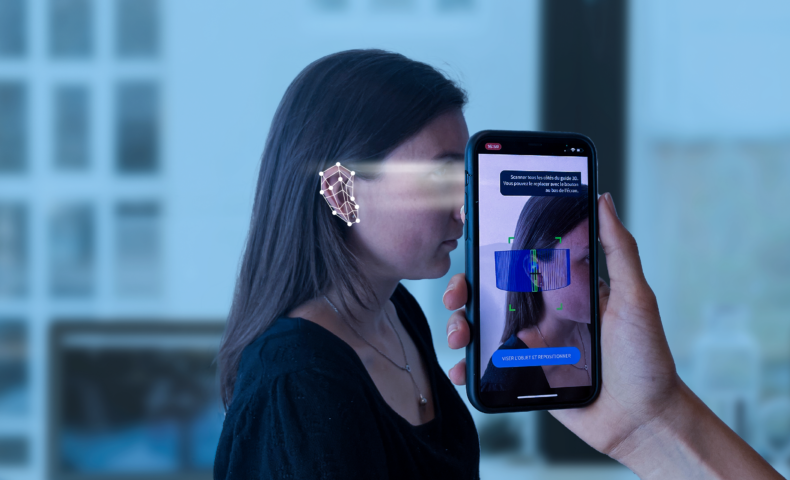
Given these limitations, MyFit Solutions relies on MyFit mobile photogrammetry for morphological 3D capture. Unlike older photogrammetry systems, this approach relies on an algorithm that stays resilient across variable lighting conditions and a proprietary scaling process, to produce a photorealistic, scale-accurate 3D model from simple photos taken with the smartphone’s rear camera — without relying on a dedicated depth sensor.
The appeal for professionals working with custom medical devices: a solution that runs across a wide range of iOS and Android devices, with no extra equipment, specifically suited to capturing the human body, delivering morphological data usable in clinical workflows (CAD, orthotic device design, patient tracking).
The full details of how this technology works are covered in our article on MyFit mobile photogrammetry.
FAQ
No. Its resolution and one-meter minimum distance make it poorly suited to the fine morphological capture required in O&P or podiatry.
LiDAR measures distance using time of flight (ToF) and works well for large spaces. TrueDepth uses infrared-assisted stereoscopy, offering better resolution but a shorter range.
iPhone Pro and iPad Pro models since 2020 (starting with the iPhone 12 Pro).
MyFit mobile photogrammetry generates accurate 3D models from smartphones, without a dedicated sensor, and is compatible with both iOS and Android.